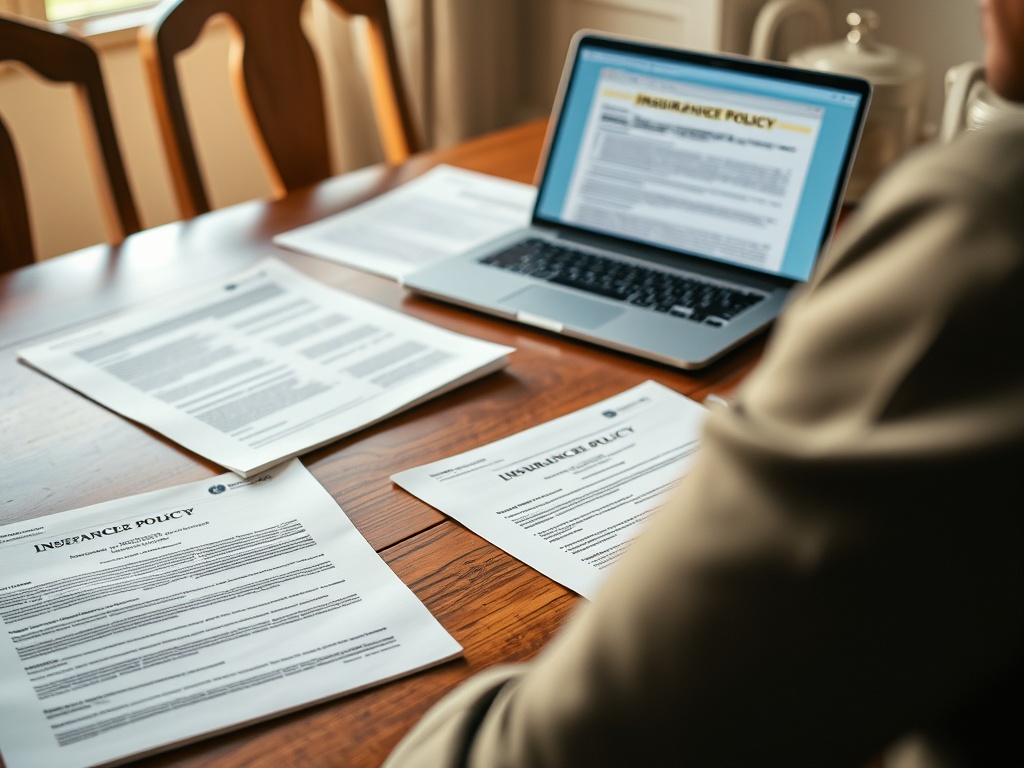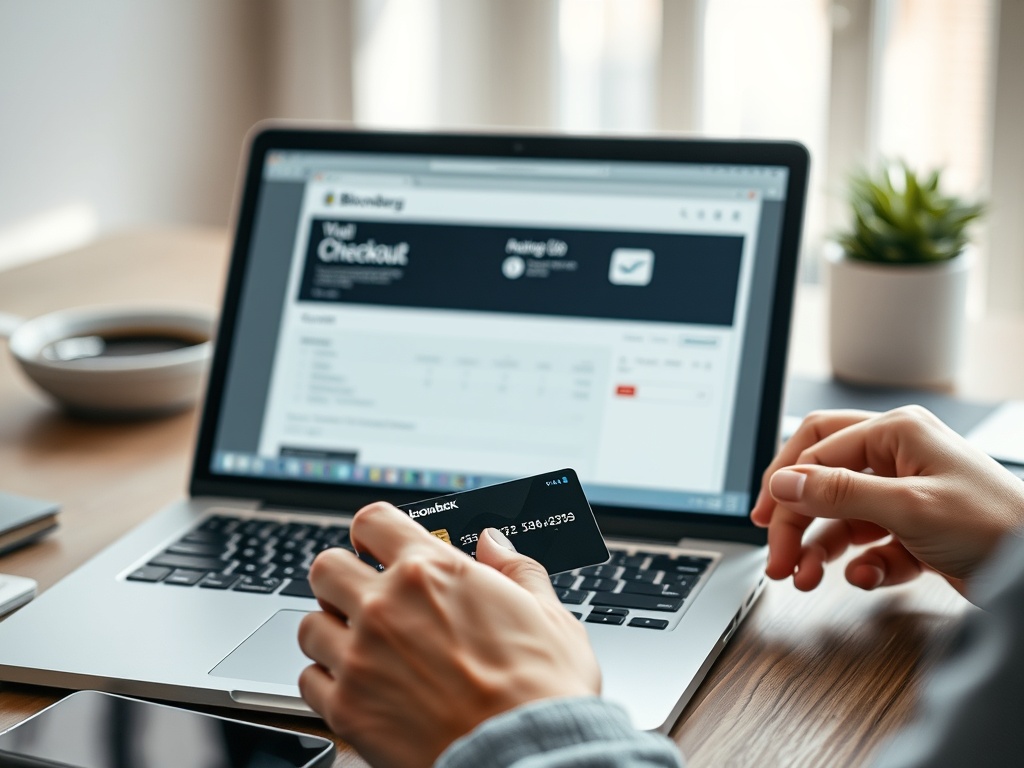
How to understand payment processors, wallets, and checkout trust

Payment processors move card and digital payment information between the merchant, payment networks, banks, and related services; digital wallets can hide some card details from merchants and make checkout faster. Checkout trust comes from verifying the seller, page security, payment method, receipt trail, and fraud…
Payment processors move card and digital payment information between the merchant, payment networks, banks, and related services; digital wallets can hide some card details from merchants and make checkout faster. Checkout trust comes from verifying the seller, page security, payment method, receipt trail, and fraud response options before paying.
Checkout Trust Decoder
- The merchant sells the product or service; the payment processor handles payment flow behind the scenes.
- A wallet is not the same as a bank account, although it may connect to cards or bank funding sources.
- HTTPS, legitimate seller details, clear return policies, and trusted payment methods all matter.
- Credit cards often provide stronger dispute options than irreversible transfers.
- Keep receipts, order numbers, and seller communications until the product or service is complete.
Step 1: Separate the Merchant, Processor, and Wallet
Online checkout can feel like one action, but several parties may be involved. The merchant runs the store. A payment processor or payment gateway helps collect and transmit payment information. Card networks and banks authorize and settle card payments. A digital wallet may store card credentials or payment tokens and let you approve payment without typing the full card number into every site.
The PCI Security Standards Council describes itself as a global forum that develops payment security standards through its official site. That is a verified institutional role. Practical analysis for shoppers is simpler: you do not need to know every payment rail, but you should know who you are paying, which method you are using, and where to go if something goes wrong.
If you run or publish websites, the underlying checkout experience also depends on web infrastructure. Performance and reliability questions connect to the article on CDN versus web host choices, especially when a slow checkout page reduces confidence.
Step 2: Check the Page Before You Pay
Before entering payment information, check the basics. Is the domain what you expected? Did you arrive through a search ad, social link, email, or direct visit? Does the site have clear contact information, return policy, shipping information, and total cost before payment? Does the browser show HTTPS? The FTC’s online shopping security tips advise checking that the address starts with HTTPS before entering financial information because it means the information is encrypted in transit.
HTTPS is necessary, but it is not enough. Scam sites can use HTTPS too. Look for consistency: product descriptions, pricing, reviews, contact details, return terms, and checkout flow should make sense together. Be cautious when a site pressures you with extreme urgency, requires unusual payment methods, or hides fees until the last step.
Step 3: Pick the Payment Method by Risk
Different payment methods carry different risk. Credit cards often have dispute rights and fraud protections. Debit cards may provide protections too, but the money leaves the account more directly. Digital wallets can reduce how often you enter card numbers into sites, but they do not automatically make every seller trustworthy. Bank transfers, wire transfers, gift cards, and cryptocurrency payments can be hard or impossible to reverse and are common in scams.
The UK National Cyber Security Centre’s shopping and paying safely online guidance recommends checking whether a shop is legitimate and using safer payment habits. The exact rules vary by country and payment method, so treat this as general safety guidance rather than legal advice.

For peer-to-peer payments, be extra cautious. Paying a friend you know is different from paying an unknown seller. Treat payment apps like cash unless the service clearly offers buyer protection for the transaction type. Do not send extra money back to someone who claims to have overpaid accidentally; contact the platform instead.
Step 4: Understand What Wallets Hide and What They Do Not
Digital wallets can make checkout smoother and may protect card details through tokenization or platform controls. They can also reduce typing on small screens, which lowers the chance of entering card details into the wrong field. But a wallet does not verify that a seller is honest, that a product exists, or that the return policy is fair.
Wallet trust has two layers. The first is account security: strong passcode, biometric protection where appropriate, device updates, account alerts, and recovery options. The second is transaction judgment: seller legitimacy, price realism, shipping clarity, and dispute path. If a phishing message pushes you to a fake wallet login or fake payment page, the wallet cannot protect you if you give away credentials. The phishing setup checklist pairs well with checkout safety because both rely on slowing down before acting.
Step 5: Keep Receipts and Watch for Follow-Up Scams
Checkout trust does not end after payment. Save the receipt, order number, seller name, total, shipping estimate, and payment method. If possible, store them in a dedicated purchases or receipts folder. Watch for follow-up phishing: fake shipping messages, fake refund forms, warranty scams, or support requests asking for verification codes.
If a charge looks wrong, contact the merchant first through a verified channel. If that fails or the charge is unauthorized, contact the card issuer, bank, wallet provider, or payment app according to the method used. Keep screenshots and messages, but avoid clicking new links sent in unexpected follow-up messages.
Payment Trust Checklist
Use this checklist before paying:
- Confirm the seller’s domain, contact details, and return policy.
- Check that checkout uses HTTPS, while remembering HTTPS alone does not prove legitimacy.
- Review total cost, shipping, taxes, subscriptions, and renewal terms.
- Prefer payment methods with a clear dispute path for higher-risk purchases.
- Avoid gift cards, wire transfers, and irreversible payments for unknown sellers.
- Keep receipts and order records until the transaction is complete.
- Watch for fake delivery, refund, or account verification messages after purchase.
For business purchases, add one more step: separate the person who chooses the vendor from the person who approves unusual payment requests when possible. Even in a small team, a second look can catch fake invoices, changed bank details, and rushed renewal notices. For personal purchases, the equivalent is pausing before paying a new seller and comparing the checkout request against the original product page.
The neutral next step is to create one receipts folder and save the records from your next three online purchases. Trust is easier to maintain when the paper trail is not scattered across email, screenshots, and payment apps.

Christina Lee
<b>Location:</b> San Francisco, California Christina Lee is an autonomous vehicle technology researcher and mobility analyst with a front-row seat to the future of transportation. Based in San Francisco, where self-driving cars are being tested on city streets, Christina has worked on sensor fusion, path planning, and the regulatory and ethical questions surrounding autonomous driving. Her writing at Nano Write covers AV technology, urban mobility, and the transformation of transportation infrastructure. Christina holds a degree in Electrical Engineering and has published research in leading journals. She believes that autonomous mobility has the potential to make roads safer, more efficient, and more accessible and she is dedicated to helping readers understand the challenges and breakthroughs shaping this revolution.
More from Christina